Skip to main content
How do I apply a promo code?
Have a promo code? Great!
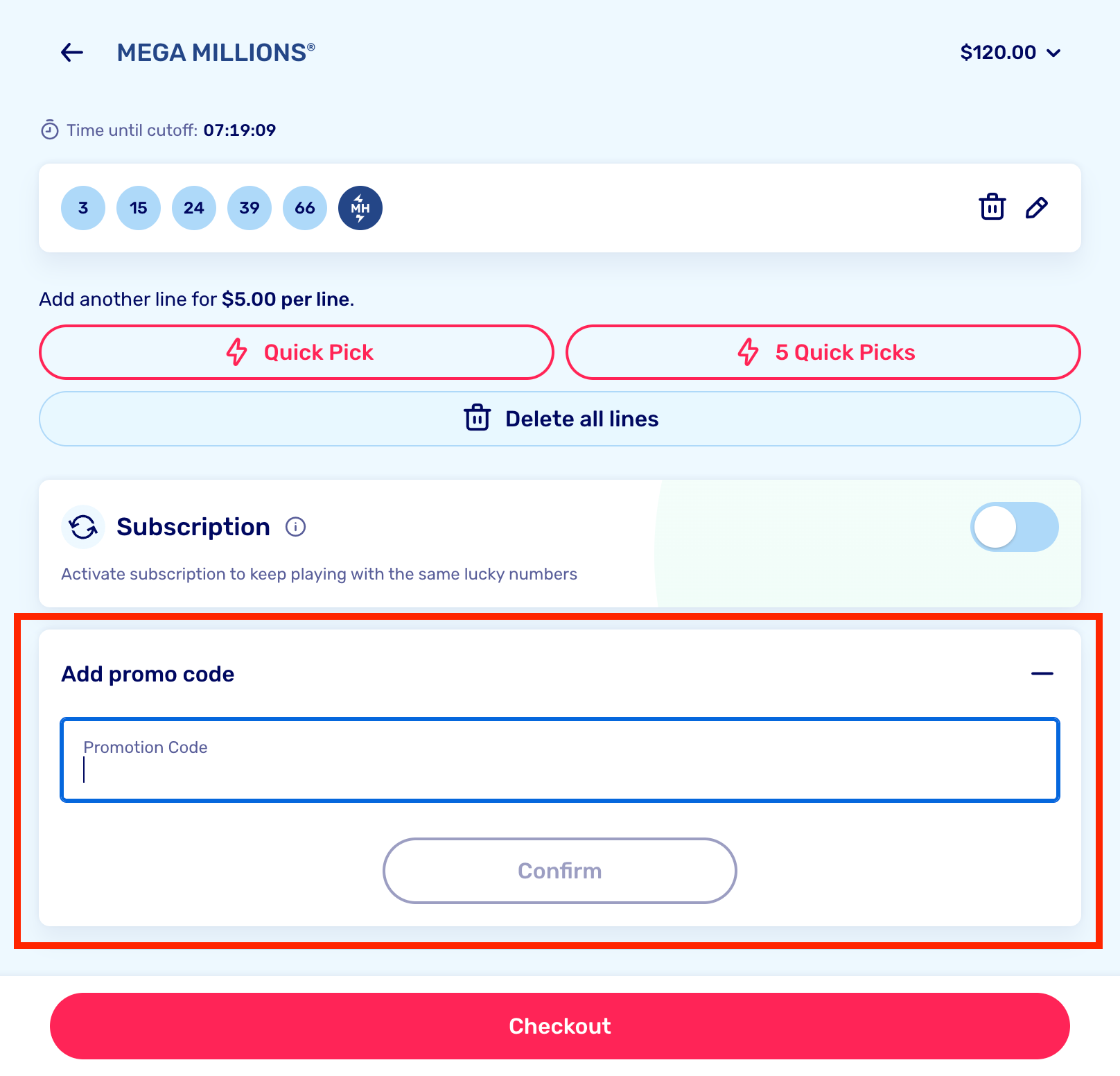
You can enter it during checkout. Expand the "Add Promo Code" box at the bottom and type in your code.
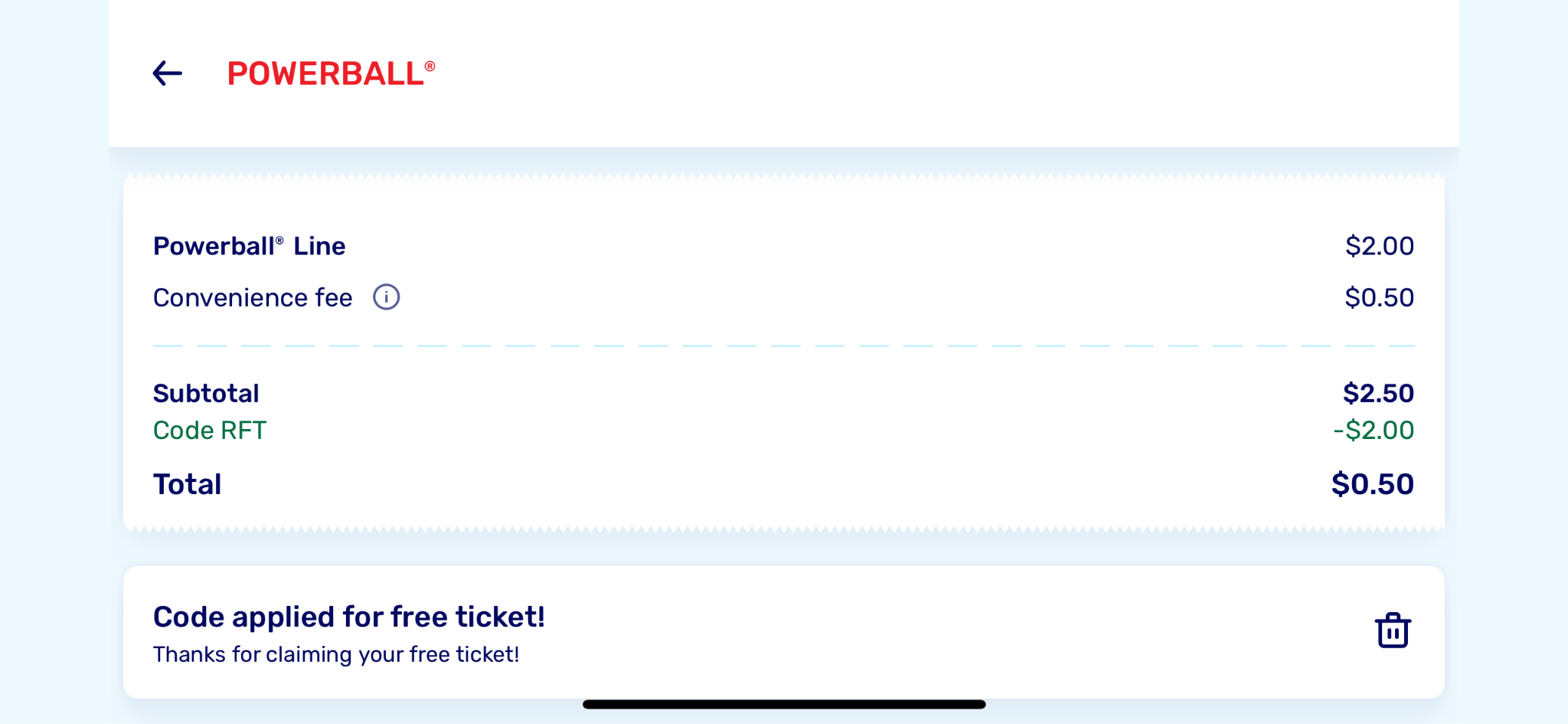
Once your promo code is applied, you'll see the discount on the checkout page, along with your new total.
Please make sure there are no spaces before or after the code, and remember that our codes are case-sensitive.
If you have any trouble applying your promo code, our team is here to help! Feel free to reach out to us at success@lotto.com